User Journeys
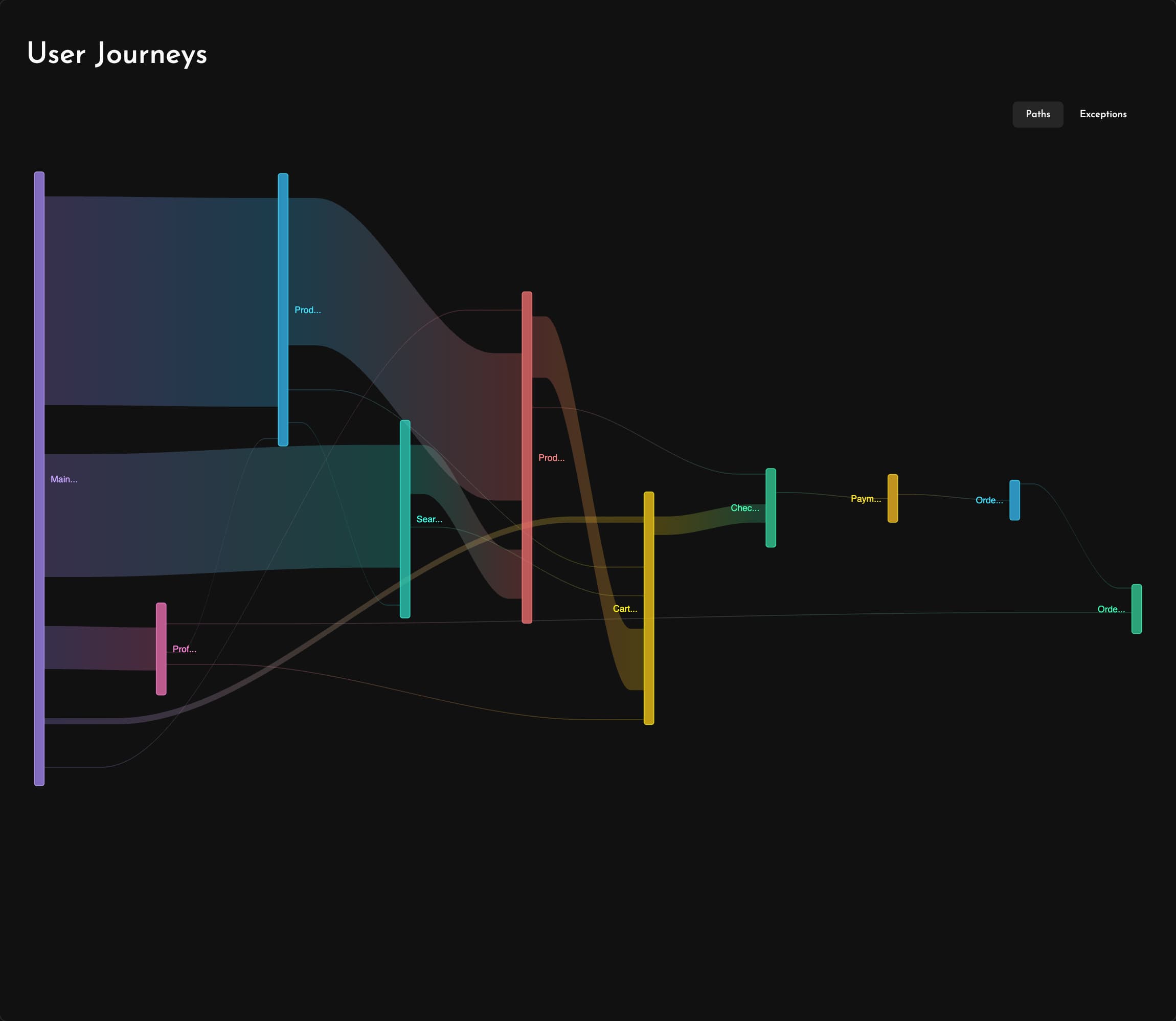
See the full picture of user behavior with flow diagrams that reveal the actual paths users take through your app.
User Journeys automatically map every screen transition, showing you which flows are most popular, where users drop off and which navigation patterns you never anticipated. Easily add your own screens and custom events to enrich them further.
Click any screen, event or path to see exactly the issues users ran into along the way. If users are dropping off on a particular screen, you'll see the slow requests, traces and errors that affect them, along with the session replays to watch.
Whether you're redesigning navigation, prioritizing feature work or debugging issues in frequented paths, User Journeys transforms complex behavioral data into clear, actionable visualizations that help you build better experiences.