


JIT vs AOT compilation on Android
How Android Runtime (ART) runs app code with an interpreter, JIT and AOT compilation. See what each one costs and why Android only compiles part of your app ahead of time.

Abhay Sood
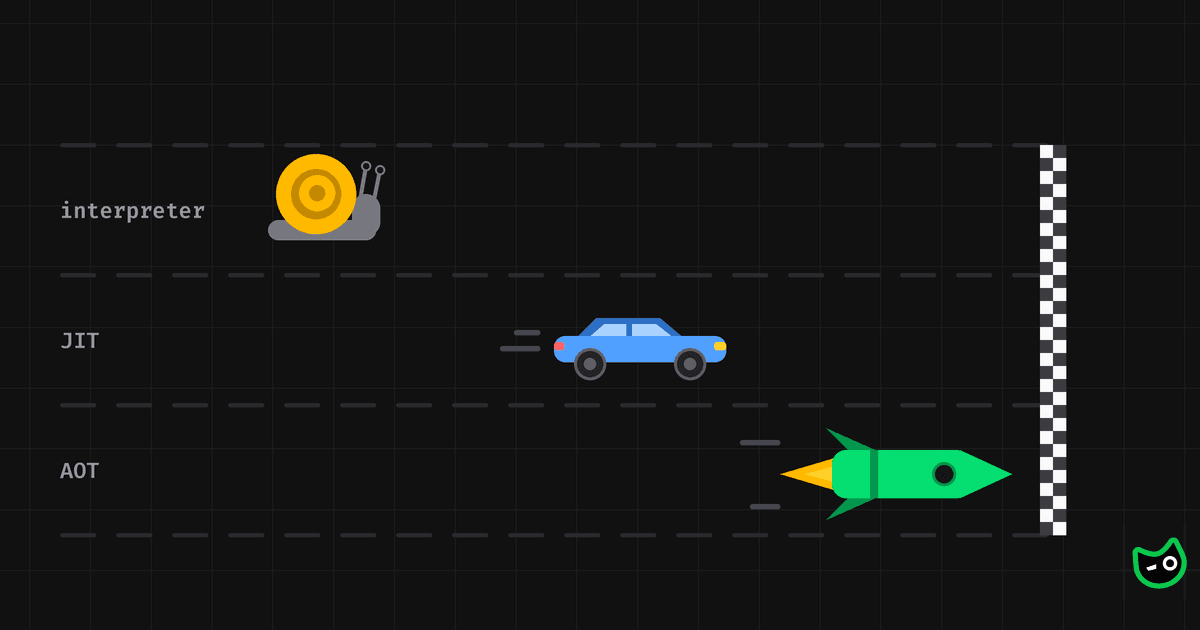
Every Android app ships as dex bytecode. Android Runtime (ART) has three ways to run it: an interpreter, a just-in-time (JIT) compiler and ahead-of-time (AOT) compilation. Which one runs a method decides how fast that method is.
From Kotlin to dex bytecode
When we build an app, the Kotlin or Java compiler and then D8 or R8 turn our code into dex bytecode. A small Kotlin function like this one:
fun area(width: Int, height: Int): Int = width * heightbecomes two dex instructions. Dex instructions work on virtual registers named v0, v1 and so on. Each one holds a single value, like a parameter or a local variable:
mul-int v0, v1, v2   # multiply v1 (width) by v2 (height), store it in v0
return v0            # return the value in v0
The CPU can't run these instructions directly. Android Runtime (ART) has to either interpret them or compile them to machine code that the CPU can run. It can do that in three ways.
Running code in the interpreter
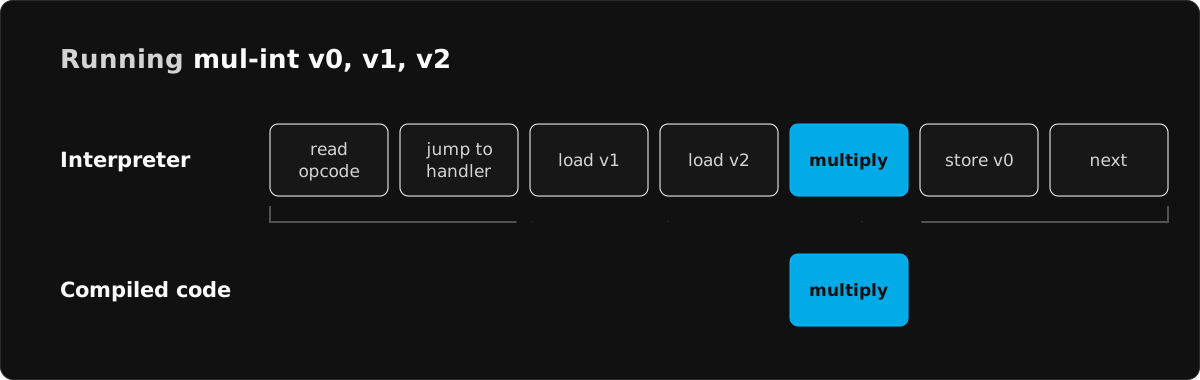
The interpreter runs the bytecode one instruction at a time. For each instruction, it reads the opcode and jumps to the piece of code that handles that opcode. That code reads the operands from the method's virtual registers, which live in memory. Then it does the actual work, writes the result back to memory and moves on to the next instruction.
For mul-int, the multiplication itself is a single CPU instruction. Everything around it is overhead. The interpreter pays that overhead for every instruction, every time the method runs.
This is why the interpreter is the slowest way to run code. Its one advantage is that it can start running a method right away, without compiling anything first.
Compiling hot code with the JIT
ART keeps a hotness counter that counts how many times each method runs. Once a method has run enough times, the JIT compiler compiles it to machine code on a background thread. Until the compiled code is ready, the interpreter keeps running the method.
The JIT compiles on the device while the app is starting up. That's when the app is already busiest, so compiling competes with it for CPU time. The compiled code is also only kept in memory. When the process dies, it's gone. Every cold start interprets and compiles the same methods again.
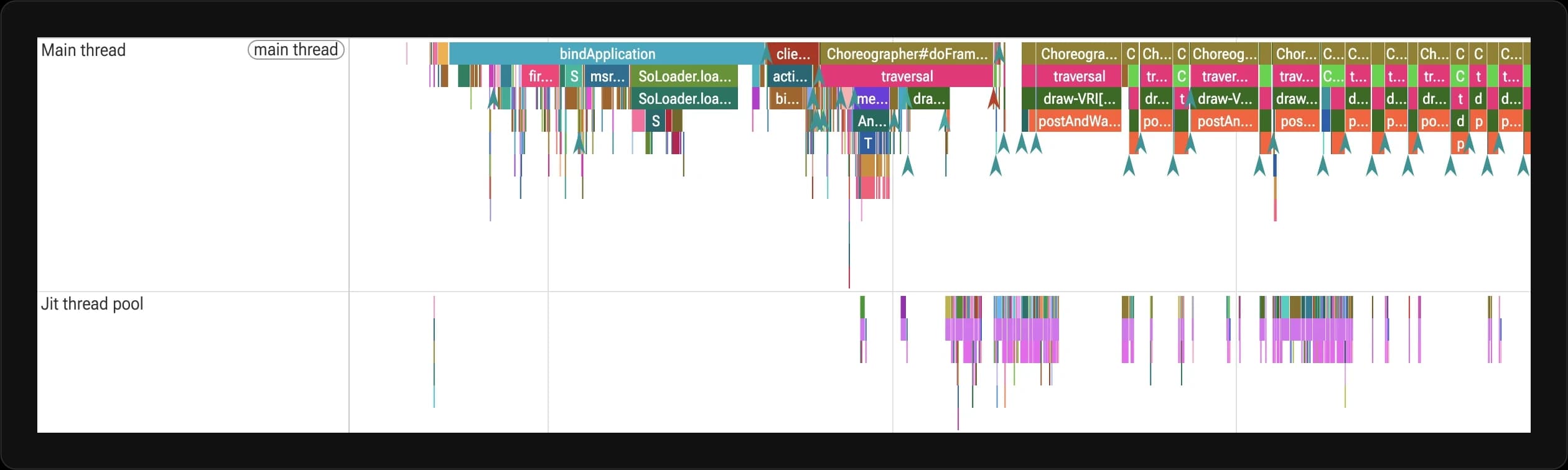
In a Perfetto trace, JIT work runs on a thread called Jit thread pool. Each slice on that thread represents one method being compiled. The trace below is from an app's cold start.
Compiling ahead of time with dex2oat
AOT compilation happens on the device before the app runs. A tool called dex2oat compiles the app's dex code to machine code and saves it to disk next to the APK.
When the app starts, ART loads this machine code from disk and runs it. Methods compiled this way never go through the interpreter or the JIT.
AOT-compiled code is the fastest of the three. But Android doesn't compile the whole app ahead of time. It only compiles the methods listed in a profile.
Comparing the interpreter, JIT and AOT
Each of the three comes with a trade-off:
| Interpreter | JIT | AOT | |
|---|---|---|---|
| When code gets compiled | Never | While the app runs, once a method is hot | Before the app runs |
| Which methods | Any method that runs | Methods that run often | Methods listed in a profile |
| Speed | Slowest | Fast once a method is compiled | Fastest |
| Cost | Overhead on every instruction | CPU time during startup | Compile time and storage |
| Compiled code kept after the process dies | No compiled code | No | Yes, on disk |
Why Android doesn't AOT compile everything
If AOT-compiled code is the fastest, why not compile every method? Because compiled code takes a lot of space.
One of our internal apps has 6.7 MB of dex code. Compiling every method in it produced 23 MB of compiled code. That's more than three times the size of the dex it came from. Compiling only the methods in its baseline profile produced 6.4 MB:
| What gets compiled | Methods compiled | Size on disk |
|---|---|---|
| Nothing | 0 | 0.1 MB |
| Methods in the baseline profile | 7,752 | 6.4 MB |
| Every method | 33,754 | 23.1 MB |
Most devices have dozens of apps installed. If Android compiled all of them this way, the compiled code alone could take up gigabytes of storage.
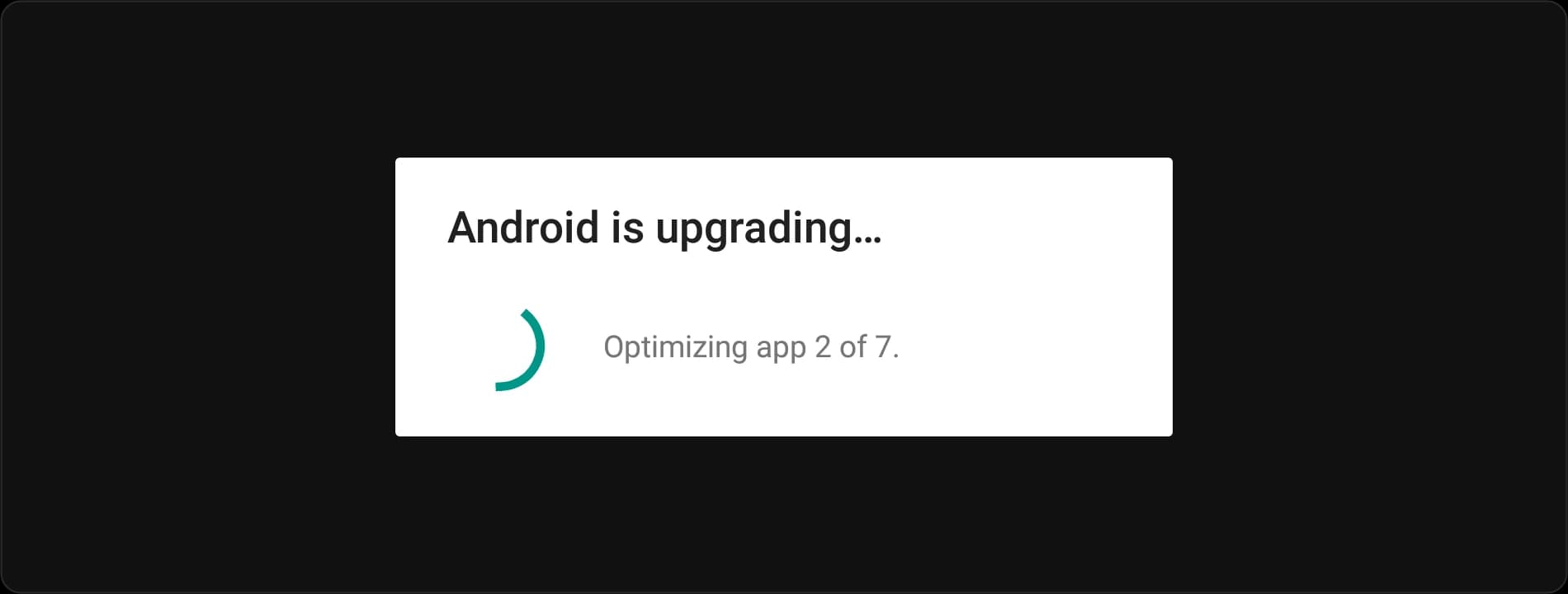
If you're old enough, you might remember Android 5 and 6 doing exactly this. They compiled whole apps at install time, so large apps took several minutes to install. After every system update, the device sat on this screen while it compiled every app again. Android 7 switched to compiling only the methods in a profile.
Android only compiles the methods in a profile ahead of time. Your app can ship that profile as a baseline profile. Google Play can also build one from real users, called a cloud profile. We explain how they work with weekly releases in Weekly releases might be hurting your Android app's performance.